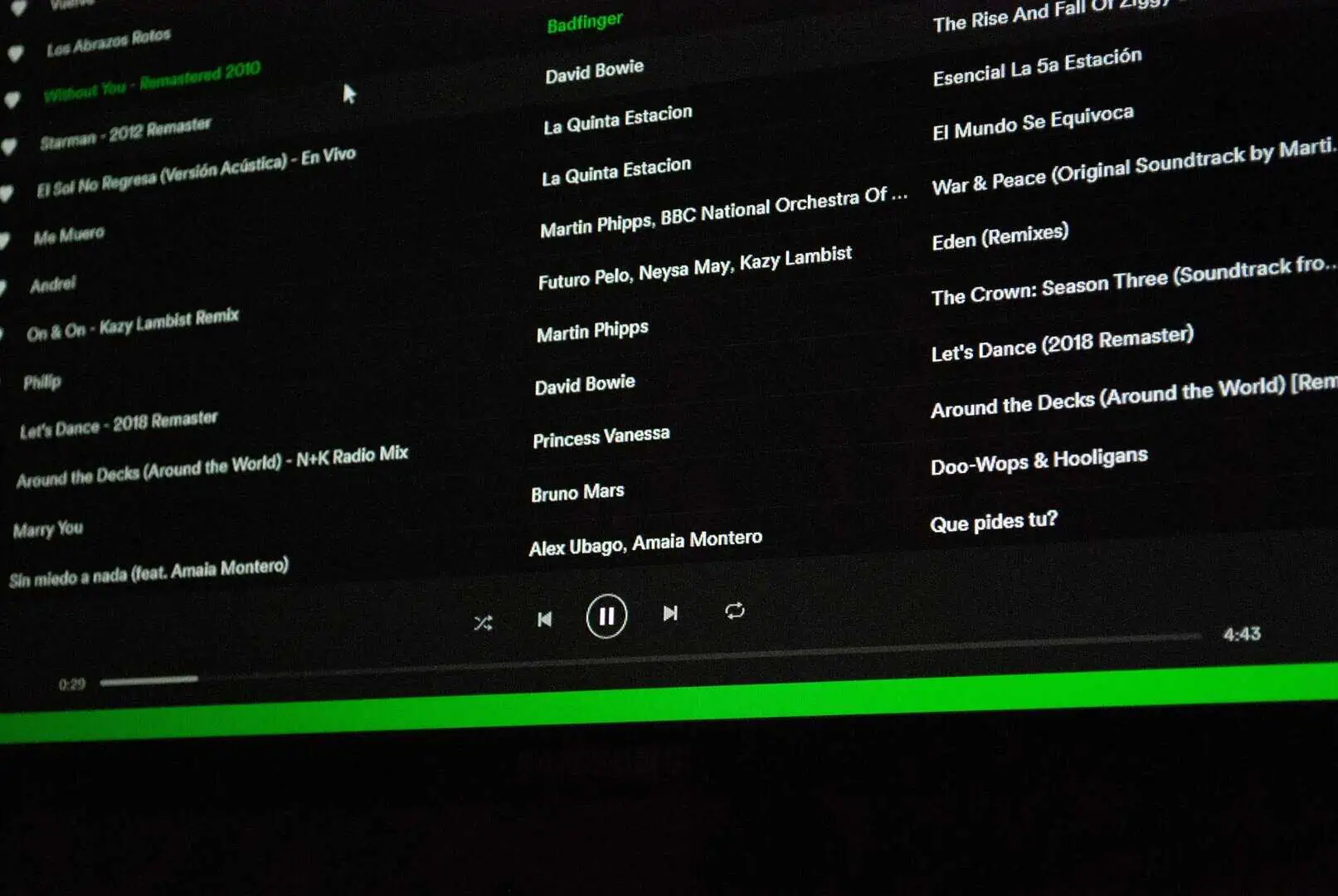

Getting your podcast on Spotify doesn't require a technical background or a production team. The process is more straightforward than most people expect, and with the right setup, you can go from zero to published in a single day. Spotify has hundreds of millions of active users worldwide, making it one of the most valuable platforms for any show looking to grow. Here's exactly what you need to do, step by step.
Key Takeaways
- Spotify doesn't host audio files directly; you need a third-party hosting platform before you can submit your show.
- Your RSS feed connects your hosting platform to Spotify and updates automatically every time you publish a new episode.
- Spotify for Podcasters is the free tool where you paste your RSS feed and manage your show on the platform.
- Approval usually takes a few hours to a couple of business days after you submit your podcast to Spotify.
- Consistent publishing and active promotion are what drive listener growth after your podcast goes live.
What You Need Before You Start
Before submitting anything to Spotify, get three things ready. First, have at least one recorded and edited audio file in MP3 or M4A format. Second, prepare cover art that meets Spotify's requirements, which means at least 1400 x 1400 pixels and no larger than 3000 x 3000 pixels. Third, sign up for a podcast hosting platform. Spotify doesn't store your audio files; it reads them from your host through an RSS feed. Getting these basics sorted upfront will save you from headaches later.
Step 1: Choose a Podcast Hosting Platform
Your hosting platform stores your episodes and generates the RSS feed that Spotify uses to find and display your content. Popular options include Buzzsprout, Podbean, Transistor, and Spotify for Podcasters, which is completely free. Once you've created an account, upload your first episode along with a title, description, and show notes. After uploading, your host will give you an RSS feed URL. A solid podcast RSS feed setup is the foundation of everything else, so validate your feed for errors before moving on.
Step 2: Understand How Podcast Distribution Works
Before submitting to Spotify, it's worth understanding how podcast distribution works at a basic level. When you give Spotify your RSS feed, it automatically checks that feed for new episodes every time you publish. You only submit your show once. After that, every new episode you release through your host appears on Spotify without any extra steps on your end. This is why a clean, error-free RSS feed matters so much from the start.

Podcast Management Services for Business Owners
Step 3: Submit Your Podcast to Spotify
This is where uploading a podcast to Spotify actually begins. Head to podcasters.spotify.com, log in or create a free account, and select the option to add a new podcast. Paste your RSS feed URL into the field and click submit. Spotify pulls your show data and displays a preview of how it'll look on the platform. Review your title, description, and cover art carefully before confirming.
1. Verify Ownership
Spotify sends a verification code to the email address listed in your RSS feed. Enter that code in the dashboard to confirm you own the show. Make sure that email is accessible before you start the submission process.
2. Complete Your Profile
Fill in your show's language, country, and content rating when prompted. These details affect how your podcast surfaces in Spotify's search and recommendation system, so it's worth spending a few minutes getting them right.
3. Wait for Approval
Spotify reviews new submissions before they go live, which typically takes a few hours to a couple of business days. Once approved, every episode you publish through your hosting platform will automatically appear on Spotify from that point forward.
Step 4: Promote Your Show After Publishing
Getting listed is the starting point, not the destination. Once you're live, building an audience takes consistent publishing and active promotion. Sharing your business podcast episodes on LinkedIn, email newsletters, and social media brings listeners to you from outside the platform. Writing episode descriptions with searchable keywords helps people find your show organically on Spotify itself. Growth is slow at first for almost everyone, so setting a realistic publishing schedule and sticking to it matters more than any single episode.
A few habits that help from the start:
- Publish on a fixed schedule so listeners know when to expect new content.
- Ask every guest to share the episode with their own audience after recording.
- Check your Spotify analytics regularly to see which episodes drive the most engagement.
- Repurpose short clips from episodes into video content for Instagram, TikTok, or YouTube Shorts.
-
Business and Entrepreneurship Podcast Episodes

When to Bring in Outside Help
Running a podcast solo is manageable early on, but the workload adds up fast. Editing, publishing, writing show notes, managing distribution, and handling promotion can easily eat up hours each week. Creators who use professional podcast management services can hand off the operational side and stay focused on the conversations. And if you're ready to grow faster, dedicated podcast marketing and growth services can make a measurable difference in how quickly your audience scales.
If you're ready to take the production work off your plate and start building your show with a team behind you, see what FTS Growth Studio can do for your podcast.
Conclusion
Uploading a podcast to Spotify comes down to three things: a reliable hosting platform, a clean RSS feed, and a submission through Spotify for Podcasters. Once those are in place, the technical side largely runs itself. What requires ongoing attention is the quality and consistency of your content. Get the setup right once, then put your energy into making a show people actually want to come back for.






























.jpg)

.jpg)
.jpg)
.jpg)
.jpg)
.jpg)















.webp)
.webp)

.webp)









.webp)




.jpg)

.webp)