

One announcement won’t do much on LinkedIn. What works is treating your book like a set of ideas you can teach in small pieces, then letting people bump into those ideas often enough that buying the book feels like the natural next step. Consistently sharing valuable content is the best way to promote your book effectively on this platform.
Key Takeaways
- Your LinkedIn profile should explain the book’s promise in plain language within seconds.
- A chapter-based content map gives you weeks of posts without forcing new topics.
- Series posts and document carousels help readers follow along and share your ideas.
- Comments, DMs, and collaborations drive distribution as much as your own posting.
- Simple tracking helps you repeat formats that earn saves, shares, and clicks.
1. Set Up Your Profile So It Sells the Book Quietly
Most buyers won’t purchase from a single post. They’ll click your profile first and decide if the topic fits them and if you sound credible. To promote your book, update your headline to reflect the problem your book solves, not your job title. In your About section, write a short “why I wrote this,” then add a few outcomes readers can expect. Put the cover, a brief blurb, and a buying link in Featured so people don’t have to hunt.
2. Build a Content Map From the Table of Contents
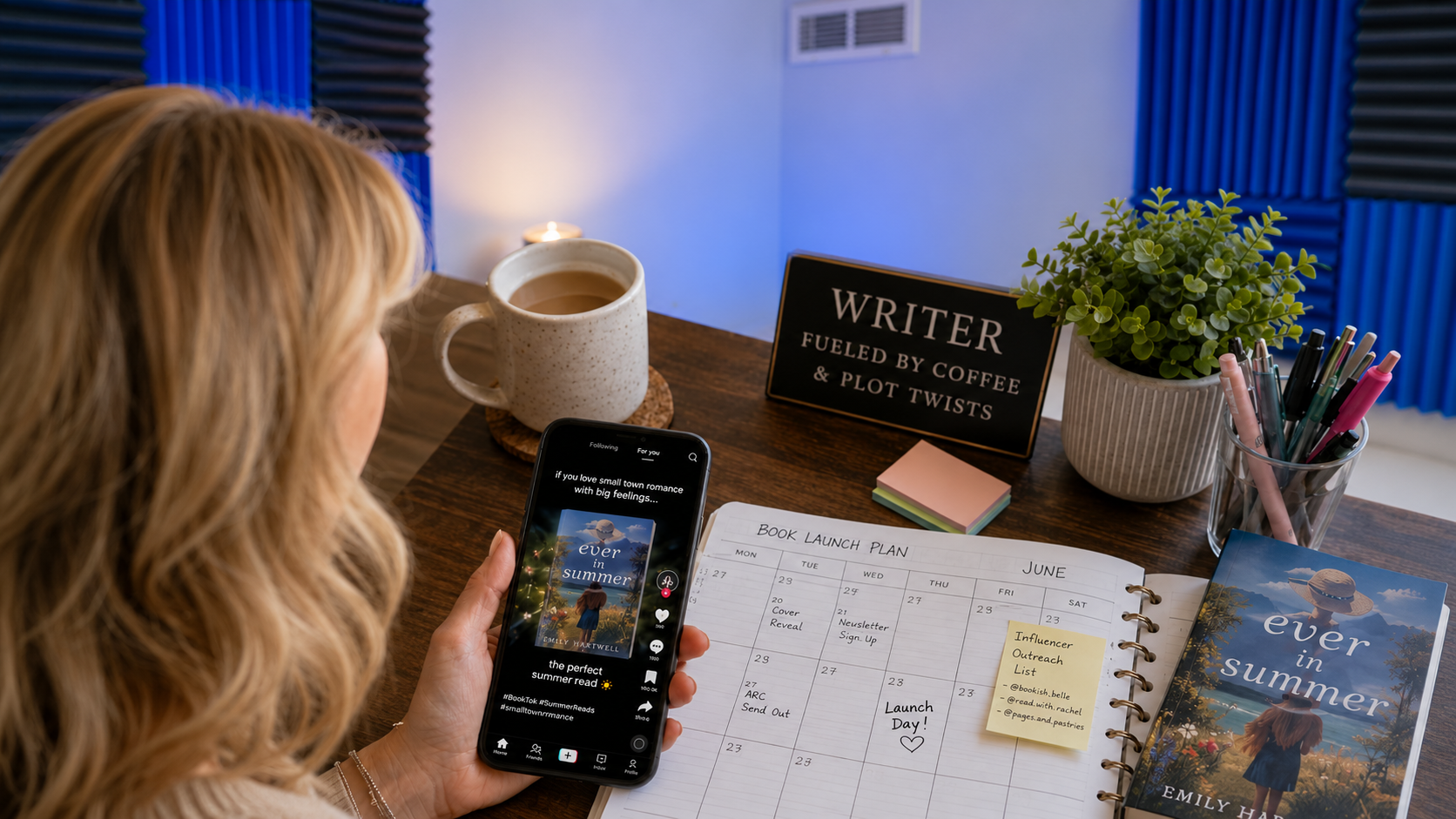
Your table of contents is a ready-made plan. Turn each chapter into a content pillar, then break each pillar into a few angles: a mistake you made, a lesson you learned, a framework, a checklist, and one real example. That structure keeps you consistent without repeating yourself. Aim for 3–5 posts per chapter before you move on.
3. Turn Chapters Into Short Post Series
LinkedIn rewards continuity. Pick one chapter and write a five-post series to promote your book, where each post teaches one idea. Make each one stand alone, but keep the series label consistent, like “book lesson 1/5.” End with a question that invites real discussion, not shallow engagement bait.
4. Write Posts That Lead With a Reader Outcome
Prior to composing a post, complete the following statement: “Upon reading this, an individual will be able to ___.” Examples include “refine a book pitch,” “select a superior hook,” or “address a skeptical comment.” Direct your writing toward achieving that specific outcome and mention the book judiciously. A concise statement, such as “This information is sourced from Chapter 3,” is sufficient.

5. Use Documents and Carousels to Teach Frameworks Fast
Document posts are great to promote your book's frameworks because readers can swipe and save them. Convert one concept into a short carousel: a step-by-step process, a checklist, or a before-and-after example. Keep each slide focused on one point with short lines and readable type.
6. Engage in Comments Like a Peer, Not a Billboard
If you only post, you’re leaving reach on the table. Comments are distribution on LinkedIn. Spend 15 minutes a day responding thoughtfully on posts your audience already reads. Add a useful example, disagree with a reason, or ask a specific question.
Over time, those threads become a steady source of profile visits. That matters because the profile is where you can best promote your book.
7. Publish One Deep Article Using the Linkedin Publishing Platform
Some book ideas need more space. The LinkedIn publishing platform lets you post a longer piece that can act like a home base for your topic. Choose one big idea from the book, teach it fully, and add a short line near the end about where the idea came from. Then point short posts back to it over time.
8. Share Behind-the-scenes Moments That Build Trust
People connect with authors, not covers. Share a short story about why you wrote the book, what you got wrong before you learned the lesson, or what surprised you after publishing. Keep it specific and end with a takeaway a reader can use.

9. Lead With Proof and Real Feedback
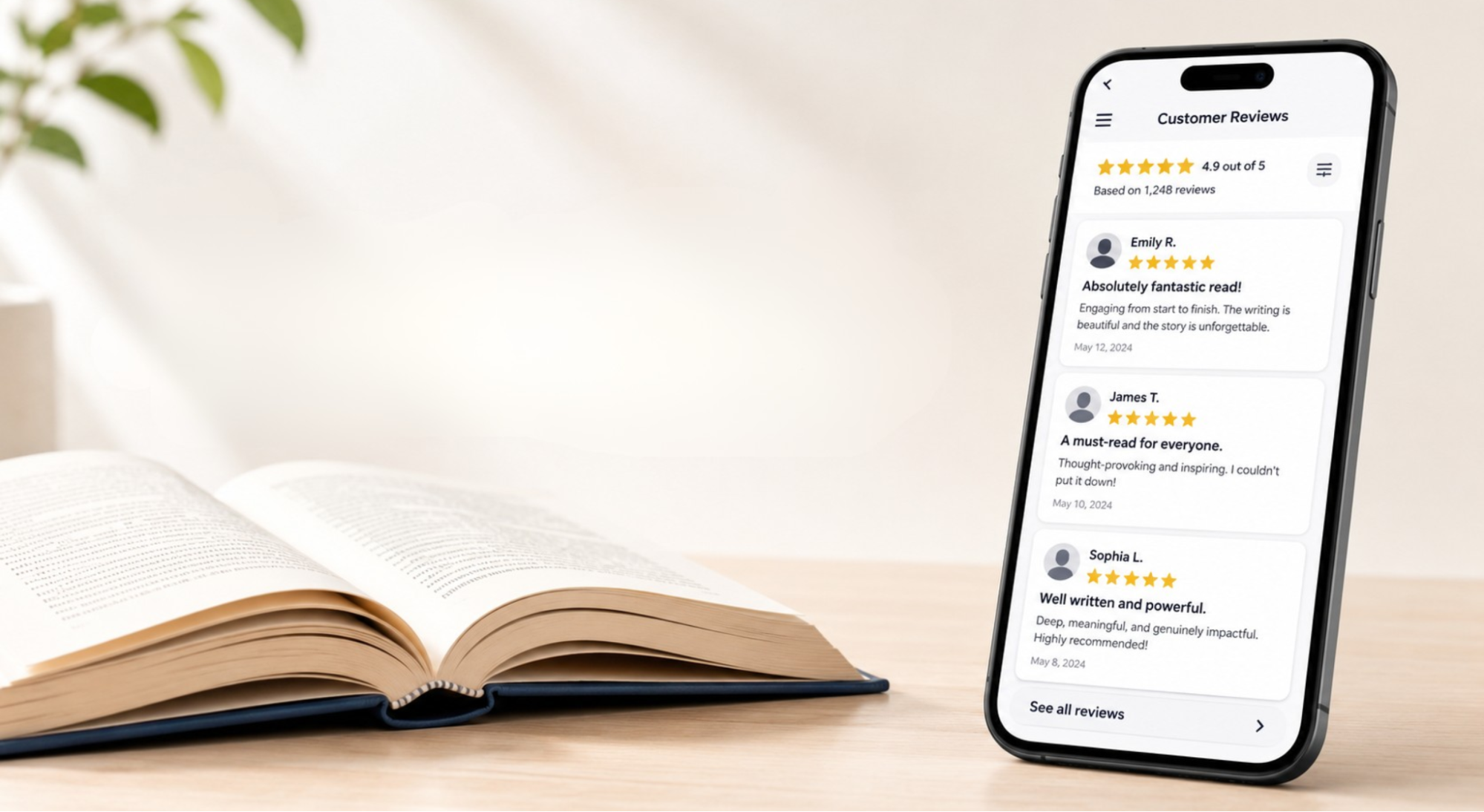
Social proof works on LinkedIn when it’s concrete. If readers message you that the book helped them, ask permission to share a screenshot. If you work with clients, explain one small outcome tied to a principle from the book. For models on presenting results clearly, scan case studies.
10. Collaborate With Creators and Communities That Already Have Your Readers
To promote your book, focus on the right rooms, not mass reach. Invite podcast hosts, newsletter writers, and LinkedIn creators to discuss one idea from your book. Offer a few angles so they can pick what fits.
You can also contribute in professional networking groups by answering questions and sharing practical resources. The book mention should come after you’ve been helpful.
Where FTS Fits if You Want to Move Faster
Consistency is the real bottleneck for most authors. If you’re juggling work, it’s hard to plan posts, create visuals, and follow up. A structured system helps. FTS Growth Studio supports creators through its linkedin marketing service, and it can pair well with podcast management when you want the book message repeated across formats.
If you want your book content to show up consistently, start with a repeatable video plan built for LinkedIn. Build viral video content for LinkedIn and keep your best ideas in front of the right people.
Conclusion
To promote your book on LinkedIn, build a clear profile, turn chapters into a content map, and show up in comments and collaborations. When your posts teach small, useful ideas, the book becomes the natural next step instead of the awkward pitch.
Focus on creating diverse, engaging content. This means using LinkedIn's native video, hosting a LinkedIn Live event, or even starting a newsletter. Use your book's themes to create polls and thought-provoking questions, which increases engagement and makes the algorithm work for you. Remember that consistency and valuable interaction are key to transforming a profile visitor into a book buyer.

































.jpg)

.jpg)
.jpg)
.jpg)

.jpg)
.jpg)

















.webp)
.webp)

.webp)








.webp)




.jpg)


.webp)